
The ultimate brand photoshoot checklist

Everything to do before shoot day

You've booked the studio.
You've got the photographer.
You've saved approximately 847 images to Pinterest.
Now what?
A great brand photoshoot doesn't start when the camera comes out.
The better you prepare, the more you'll get from your time in front of the camera.
Whether you're planning a personal branding shoot, refreshing your website or creating content for the next few months, here's what to do before shoot day.

1. Know what you're shooting for
Before choosing outfits or locations, ask:
What do I actually need these photos for?
Think about:
Website imagery
Personal branding photos
Social media content
Product photography
Team photos
Launch or campaign content
Email marketing
Your goal should shape your entire shoot.
2. Create a shot list
Don't arrive with a vague idea of "just getting some photos."
Write down exactly what you need.
Think:
Hero shots — your standout brand images.
Lifestyle shots — you working, creating or interacting naturally.
Detail shots — products, hands, textures and little brand moments.
Portraits — headshots, full-body and more relaxed images.
Negative space — images with room for website copy or graphics.
A shot list helps make sure you leave with content you can actually use.

3. Think beyond Instagram
Your content should work harder than one social post.
Consider where you'll use your images:
Website
Instagram
LinkedIn
Email marketing
Campaigns
Launches
Blog posts
Where possible, capture both vertical and horizontal images so one shoot can give you multiple assets.
4. Build a Moodboard
Your moodboard doesn't need to be complicated.
Collect references for:
Lighting
Styling
Poses
Colour
Composition
Backgrounds
Overall mood
But don't try to recreate someone else's brand.
Use your references to communicate the feeling you want, then make it your own.

5. Plan your outfits
For personal branding photos, 2–4 looks can create plenty of variety.
Think about:
Your brand colours
Different levels of formality
Textures and layers
Accessories
What you actually wear when working with clients
Bring a steamer, lint roller and backup outfit.
Because apparently cameras can detect wrinkles from approximately 14 kilometres away.
6. Bring props that tell your story
Props should add context, not clutter.
Bring things that naturally connect to your business:
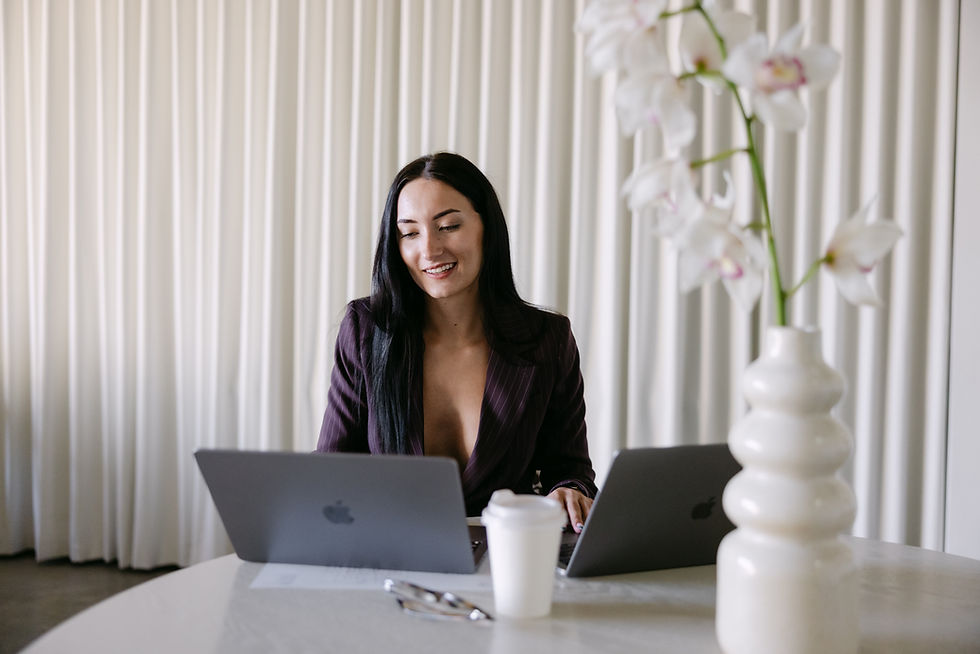
A laptop for a consultant.
Products for an eCommerce brand.
Tools of the trade for a creative.
Packaging for a product business.
Ask yourself:
"Does this help tell my brand story?"
If yes, pack it.

7. Prepare your video content
If you're already in front of the camera, you may as well make the most of it.
Before the shoot, prepare a list of:
FAQs
Tips
Talking points
Product benefits
Industry insights
Stories
Reels ideas
You don't need to memorise a script.
A few bullet points can be enough to turn one photoshoot into weeks of content.
8. Choose the Right Studio Hire
Your booking should match your goal.
2 hours
Best for focused social content or a simple content refresh.
4 hours
Ideal for brand photography + social content, multiple outfits and a more comprehensive content library.
8–10 hours
Best for campaigns, launches, rebrands, fashion drops and larger productions requiring multiple setups and deliverables.
Don't book based on what's available.
Book based on what you want to create.
9. Pack the Essentials
Before leaving home, check:
☐ Outfits
☐ Props
☐ Products
☐ Shot list
☐ Moodboard
☐ Chargers
☐ Equipment
☐ Hair & makeup essentials
☐ Accessories
☐ Water + snacks
And confirm your studio access and parking details ahead of time.
Future you will be grateful.
10. Leave Room for the Unexpected
Planning is important.
But don't plan every second.
Sometimes the best image comes from an idea you had halfway through the shoot, a spontaneous moment or a setup that looks completely different on camera than it did in your head.
Your shot list is a guide, not a prison.
Leave room to experiment.
Your Pre-Shoot Checklist
Before shoot day, make sure you have:
STRATEGY
☐ Defined your goal
☐ Listed where the content will be used
☐ Created your shot list
CREATIVE
☐ Built a moodboard
☐ Planned outfits
☐ Prepared props
CONTENT
☐ Planned photography
☐ Prepared video topics
☐ Considered vertical + horizontal assets
LOGISTICS
☐ Booked the right studio duration
☐ Packed everything you need
☐ Confirmed access and parking
The bottom line
The goal isn't to leave with more photos.
It's to leave with better, more useful content that can work across your website, social media, campaigns and marketing for weeks or months to come.
At Haus of Blanc, our design-led studio is available in 2, 4, 8 and 10-hour hire blocks, giving you the flexibility to create around your goals.
You've got the vision. We've got the Haus.
→ Book the Studio
Need fresh content that actually connects? Whether it’s scroll-stopping photography or high-impact reels, we’re here to make your brand look its best. Let’s create something magical together.

NEED AN ELEVATED SPACE FOR YOUR NEXT CONTENT DAY?
Whether it’s a full-day shoot or a quick reel session, our studio is your blank canvas.

Our New York-style content studio is in the business of supporting like-minded business owners express their purpose-led mission.
We collaborate with business leaders who want to make an impact and with entrepreneurs paving their way in the business world.
We’re proud to have created a versatile space that works for all kinds of needs—whether it’s your regular content days, professional photography sessions (perfect for product or portrait shoots), or even hosting intimate events like masterclasses or cocktail-style business events.
BOOKING SESSIONS
2 hours
Half Day (4 hours)
Full Day (8 hours)


Comments